Module 2 Formstorming

Weekly Activity Template

Babachenko Valerii


Project 2


Module 2

Maps:Space as Data

Activity 1
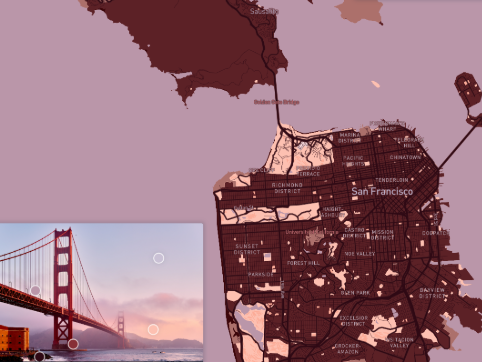
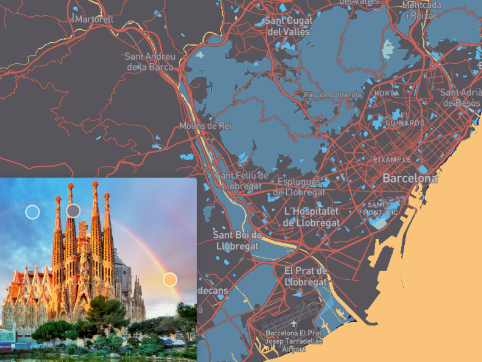
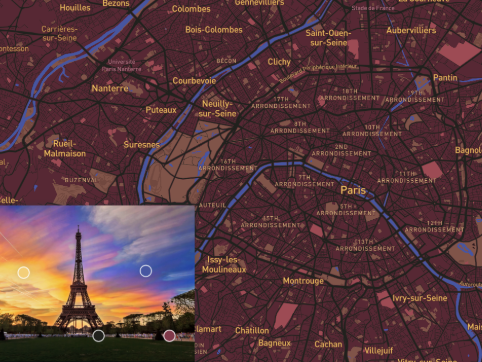
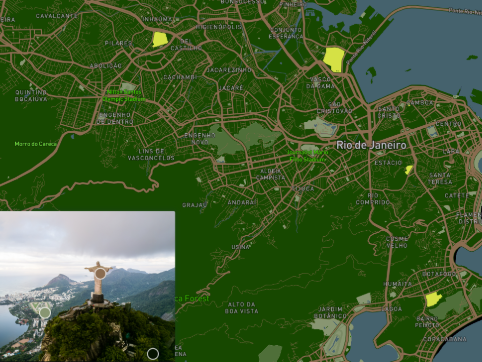
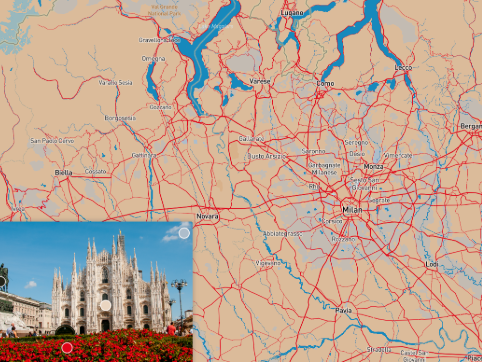
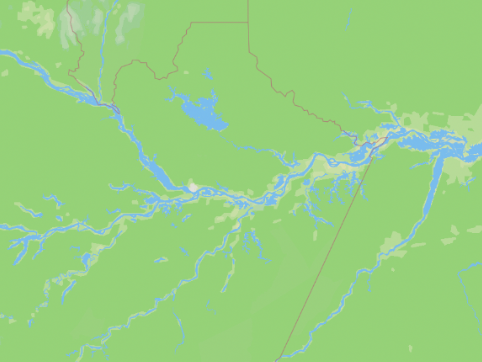
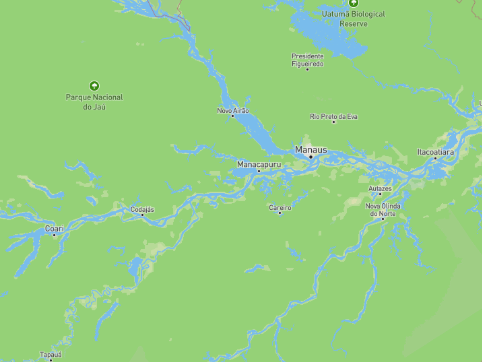
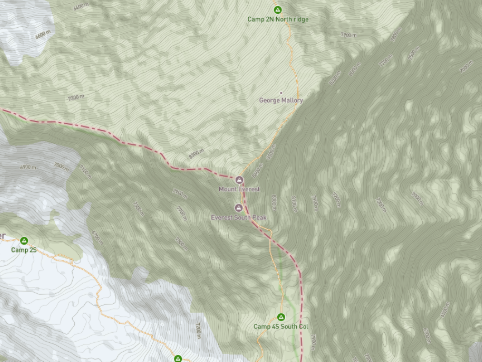
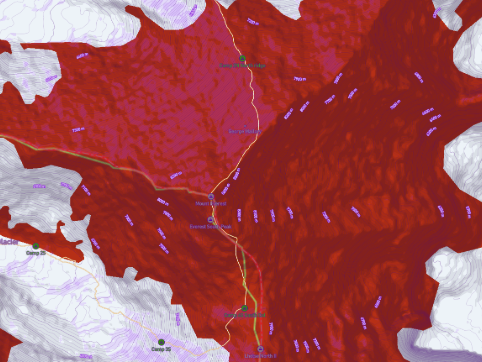
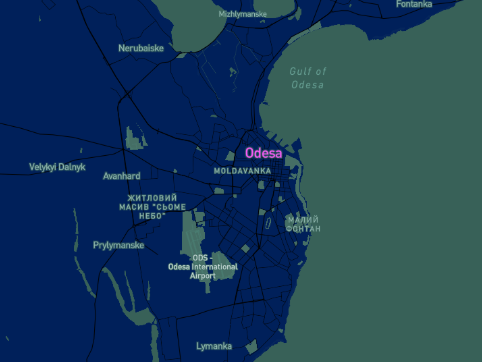
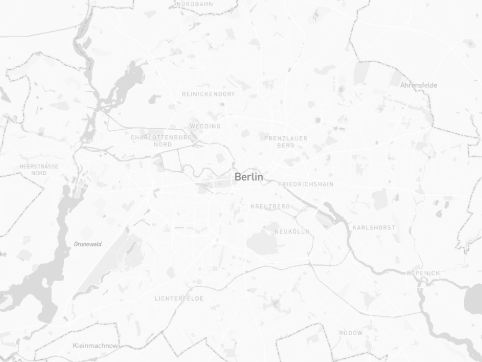
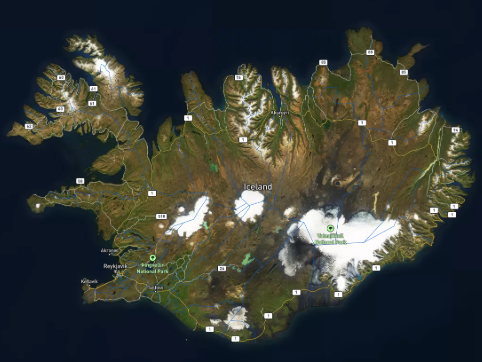
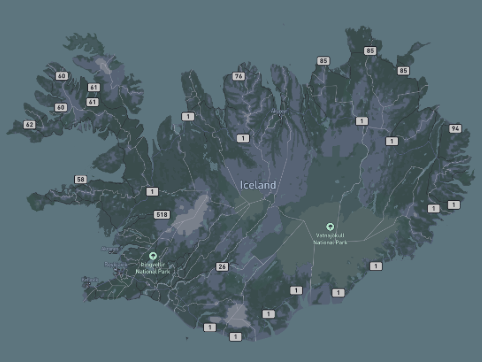
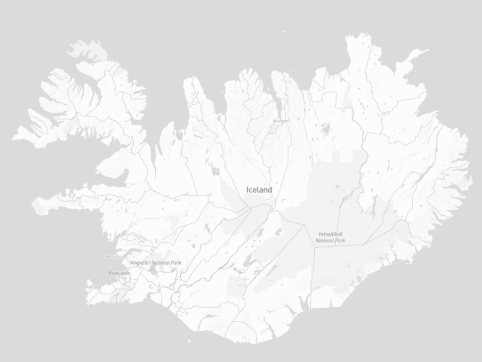
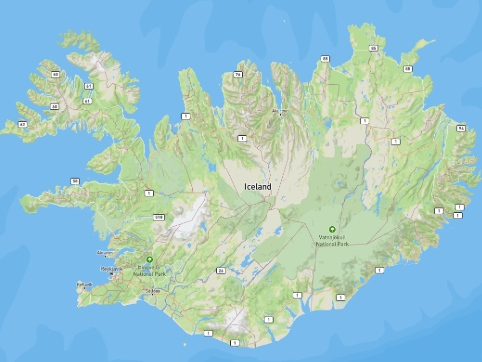
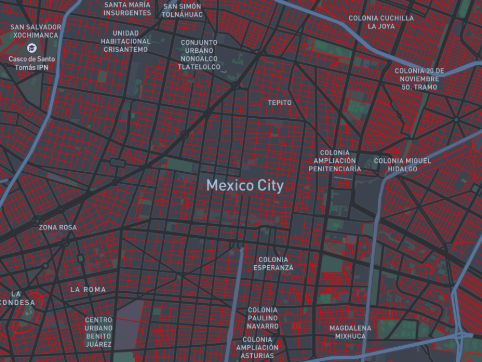
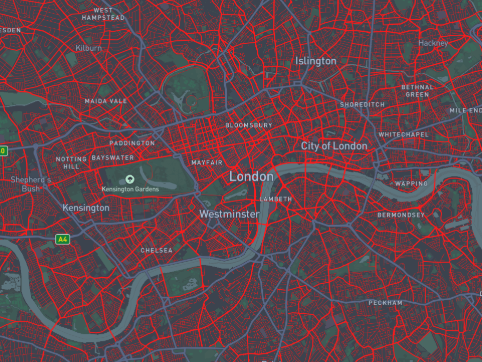
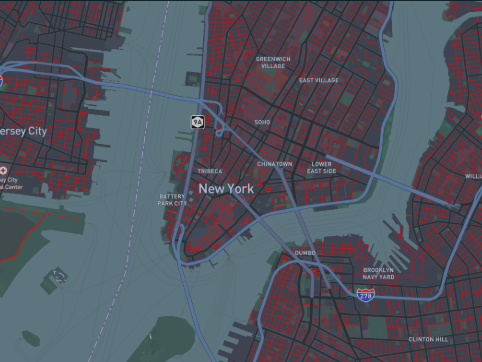
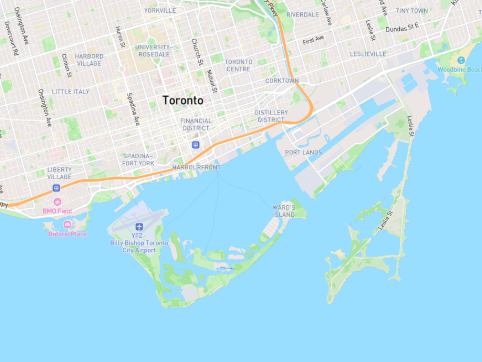
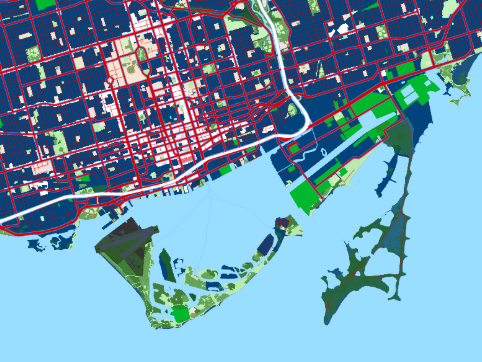
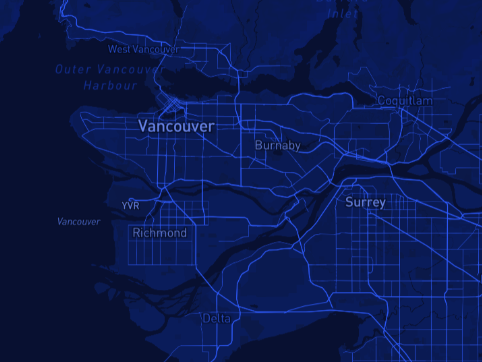
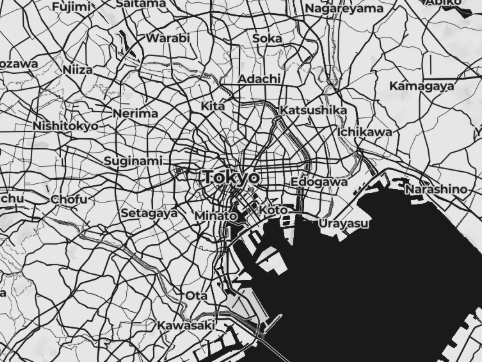
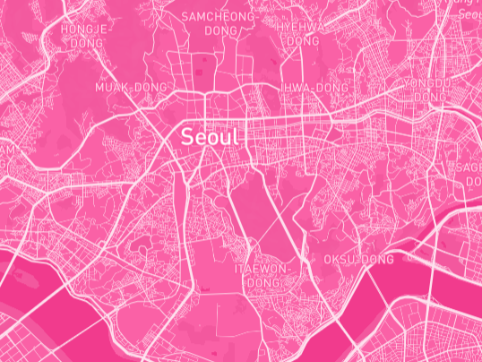
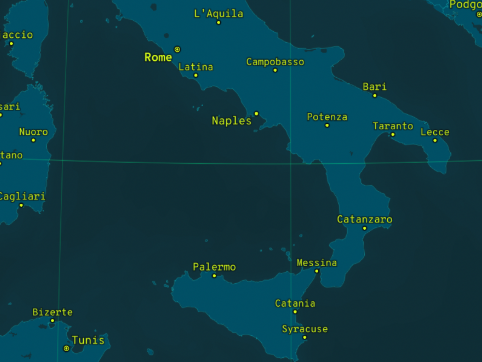
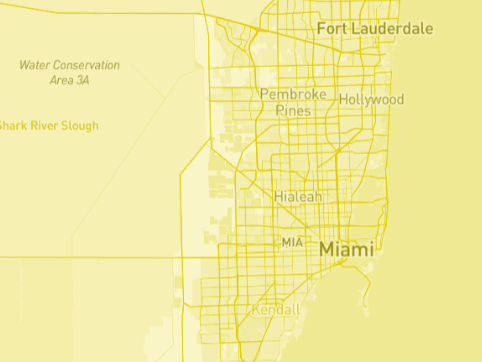
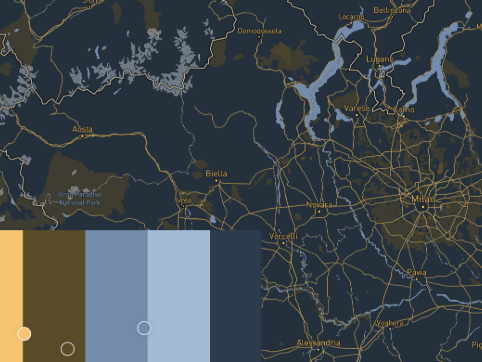
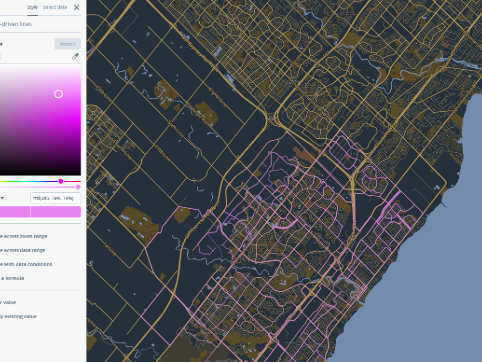
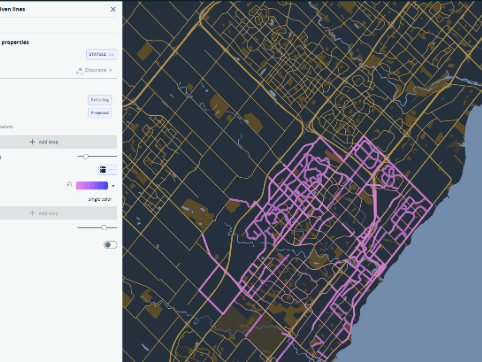
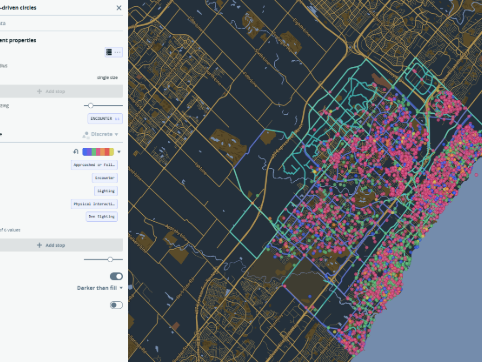
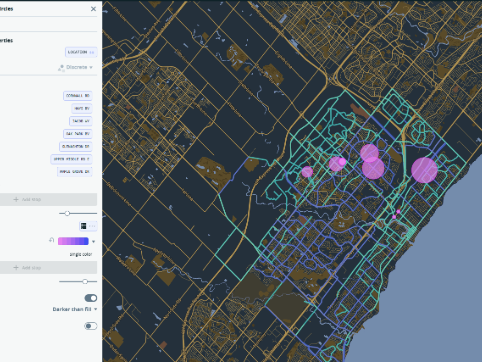
On this picture you can see the map of San Francisco, in colors of the Golden Bridge that is located in San Francisco  On this picture you can see the map of Barcelona, in colors of the Sagrada familia that is located in Barcelona On this picture you can see the map of Paris, in colors of the Eiffel Tower that is located in Paris On this picture you can see the map of Rio de janeiro, in colors of the Christ the Redeemer that is located in Rio de janeiro On this picture you can see the map of Milan, in colors of the Duomo di Milano that is located in Milan This is a picture of Amazonka without caotions This is a picture of Amazonka with caotions This is a picture of moutain Everest on the default color settings This is a picture of moutain Everest on the custom color settings This is a picture of my hometown This is a picture of Berlin in Monochrome This is a picture of Island in Satellite streets This is a picture of Island in Outdoors This is a picture of Island in Monochrome This is a picture of Island in Streets I wanted to represent trafic on the roeds and chose cities with the most traffic in the world, Here is Mexico city I wanted to represent trafic on the roeds and chose cities with the most traffic in the world, Here is London I wanted to represent trafic on the roeds and chose cities with the most traffic in the world, Here is New York This is just a picture of Toronto This is a picture of Toronto with a variaty of different colors and without captions It's a picture of Vancuver in Blue monochrome colors It's a picture of Tokyo in black and white monochrome colors It's a picture of Seoul in pink monochrome colors It's a picture of Italy in green monochrome colors It's a picture of Miami in yellow monochrome colors

Activity 2
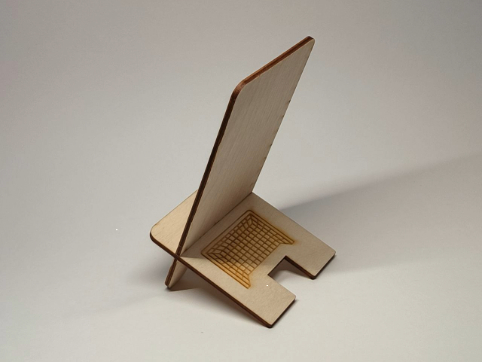
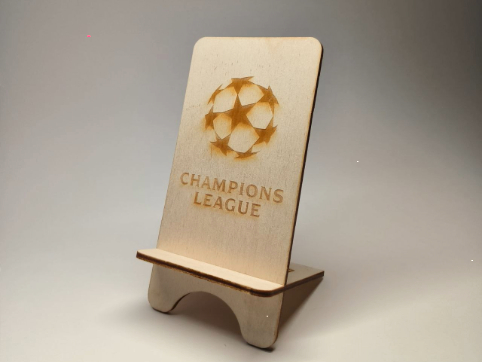
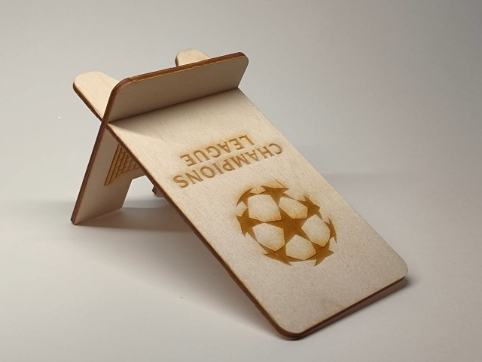
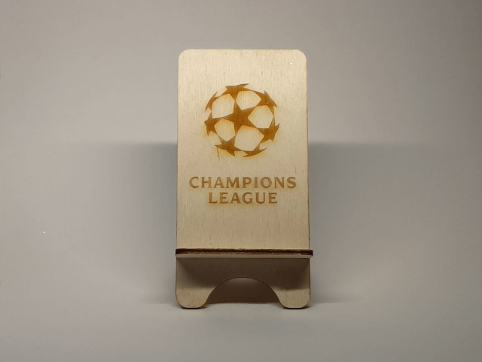
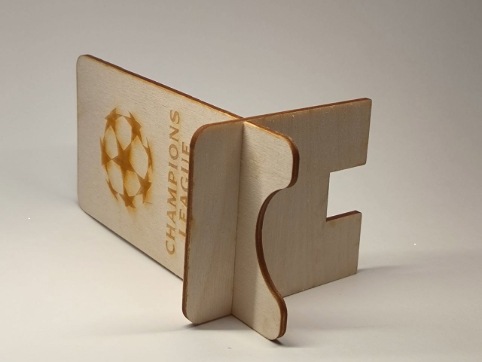
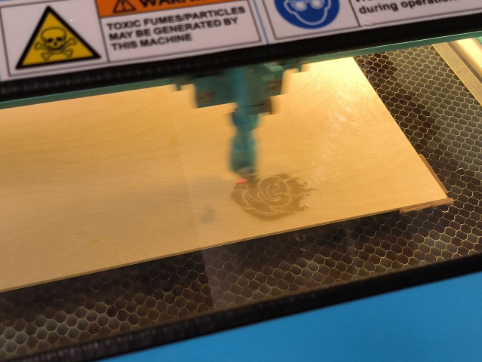
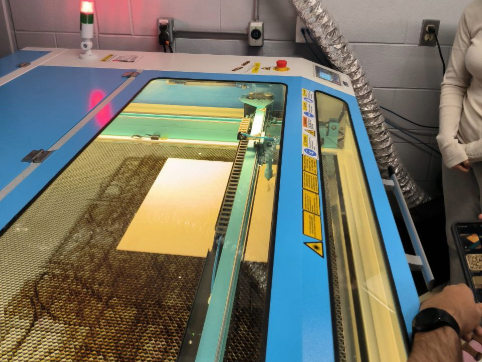
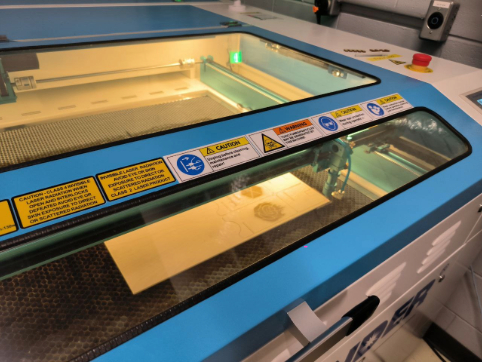
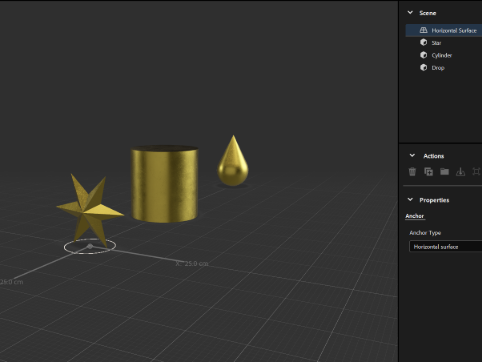
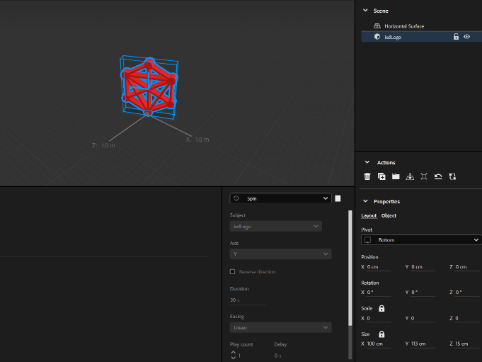
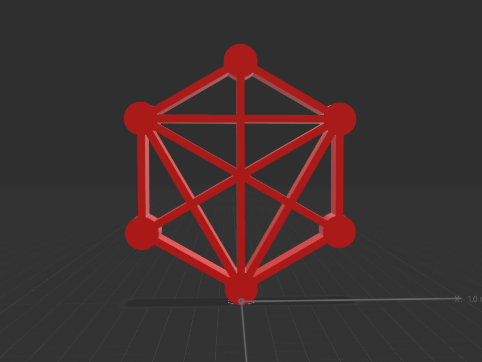
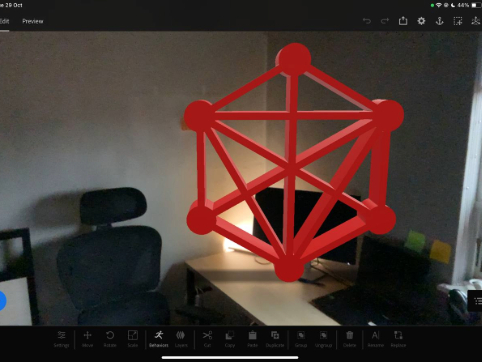
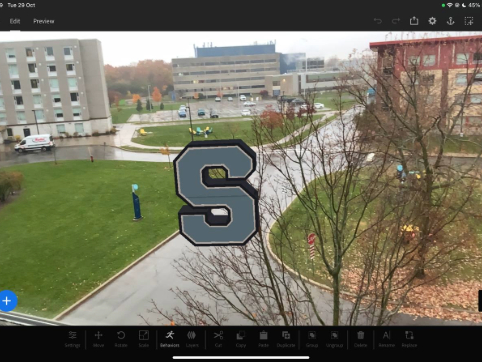
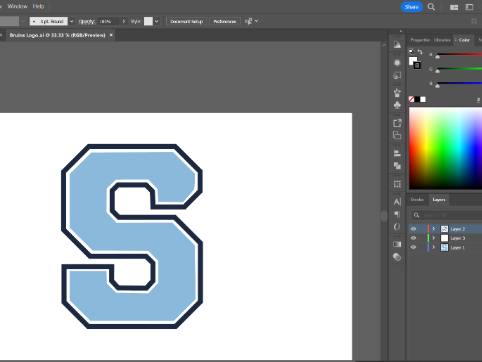
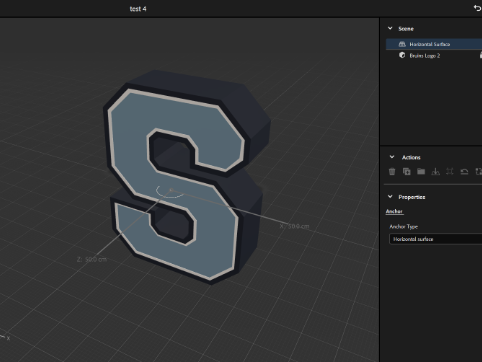
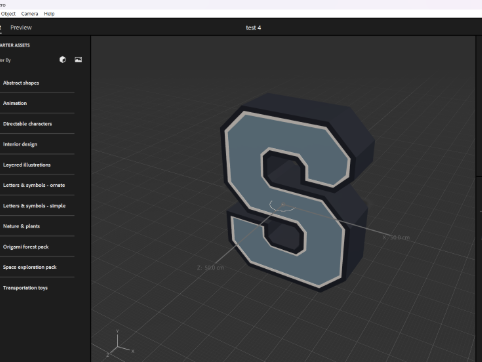
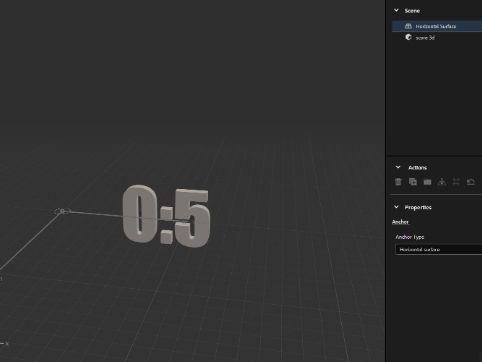
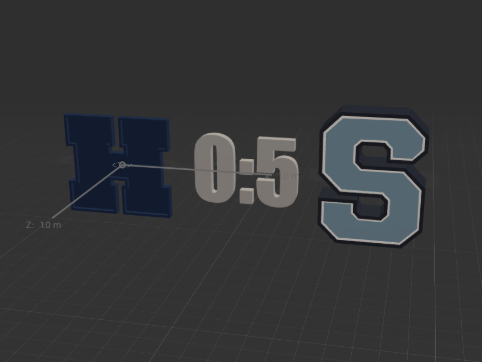
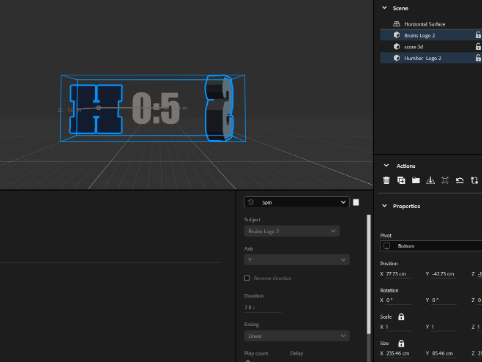
This is a work that has been done on the laser cutting workshop. Here I put logo of the Champions Legue on the phone holder Different angle of the same work Different angle of the same work Different angle of the same work Different angle of the same work This is how it looked like in illustrator Here is the process work in the lab Here is the process work in the lab Here is the process work in the lab First steps in Adobe Aero where I tried to play with different shapes IXD logo in Adobe Aero Preview mode of the IXD logo In Adobe Aero IXD logo in AR on the desk Sheridan logo in AR Preparing Sheridan logo for C4D Preparing Sheridan logo for Adobe Aero in C4D Sheridan logo In Adobe Aero Idea for the AR project, where the score of two teams is above the stadium. Here is a 3D model of the score Here are added logos of Sheridan and Humber This is a picture of the pallete of colors and data

Spatial Workshop 1

Spatial Workshop 2
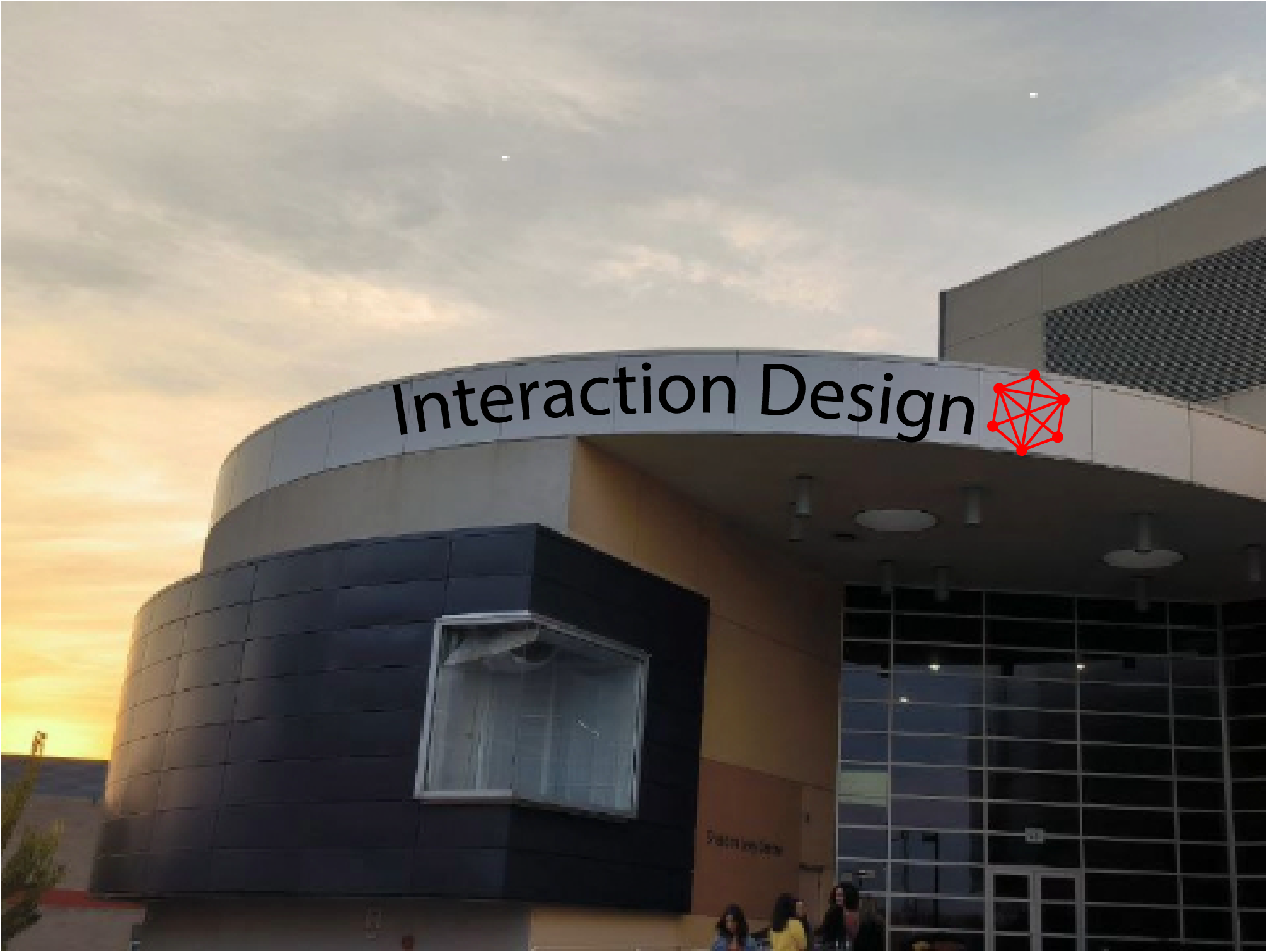
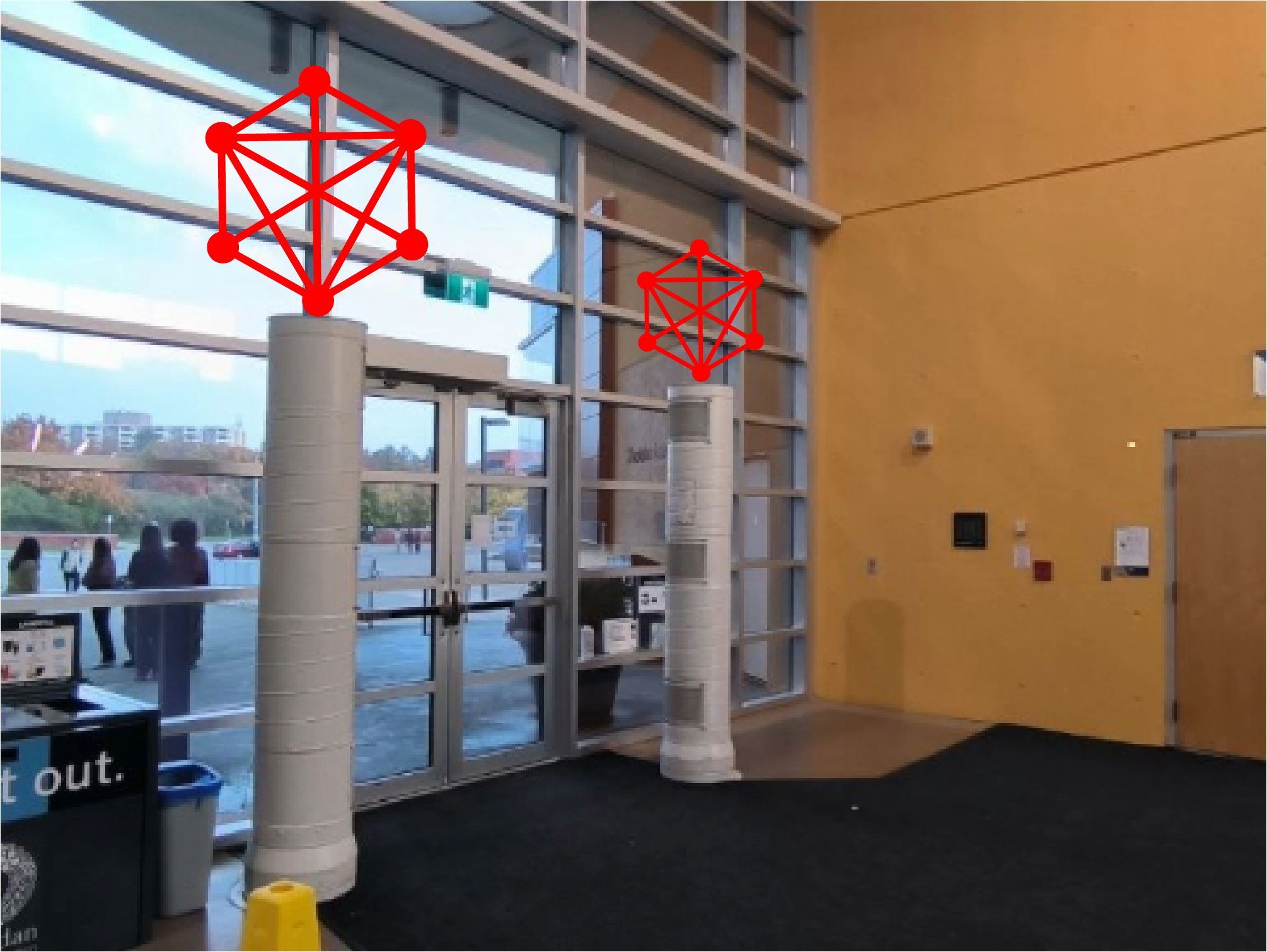
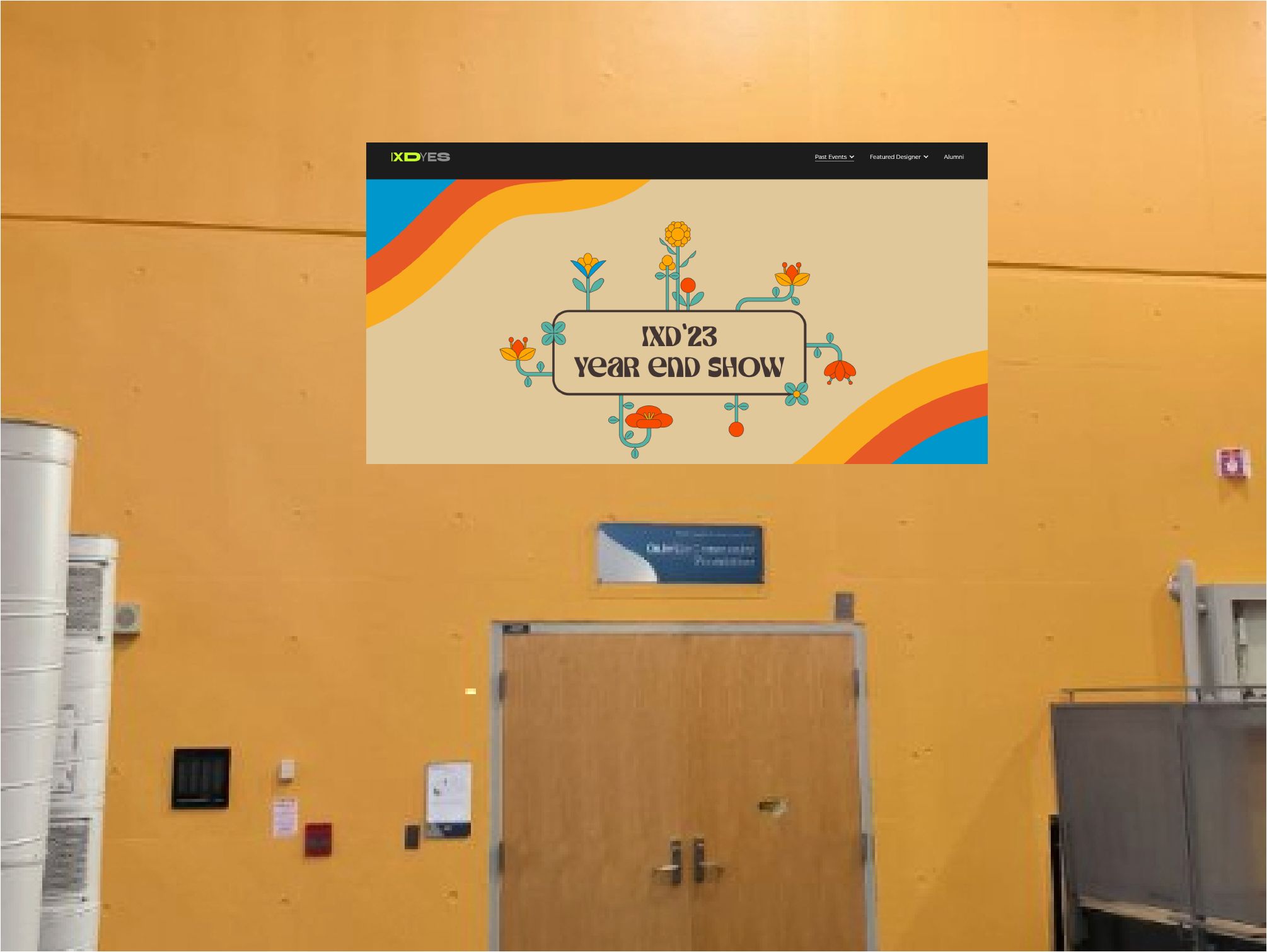
There are some ways in which Interaction design(IXD) can be presented in  J wing There are some ways in which Interaction design(IXD) can be presented in  J wing There are some ways in which Interaction design(IXD) can be presented in  J wing

Project 2


Final Project 2 Design

This is my Final Design for Project 2. The story behind it is that this is my hometown called "Odesa"(Ukraine). On the map you can see Shevchnko park and a stadium of the soccer clum "Chornomorets" that I was part of. On the top there is a port and an access to the sea.

test2Lorem ipsum dolor sit amet, consectetur adipiscing elit
×

Powered by w3.css